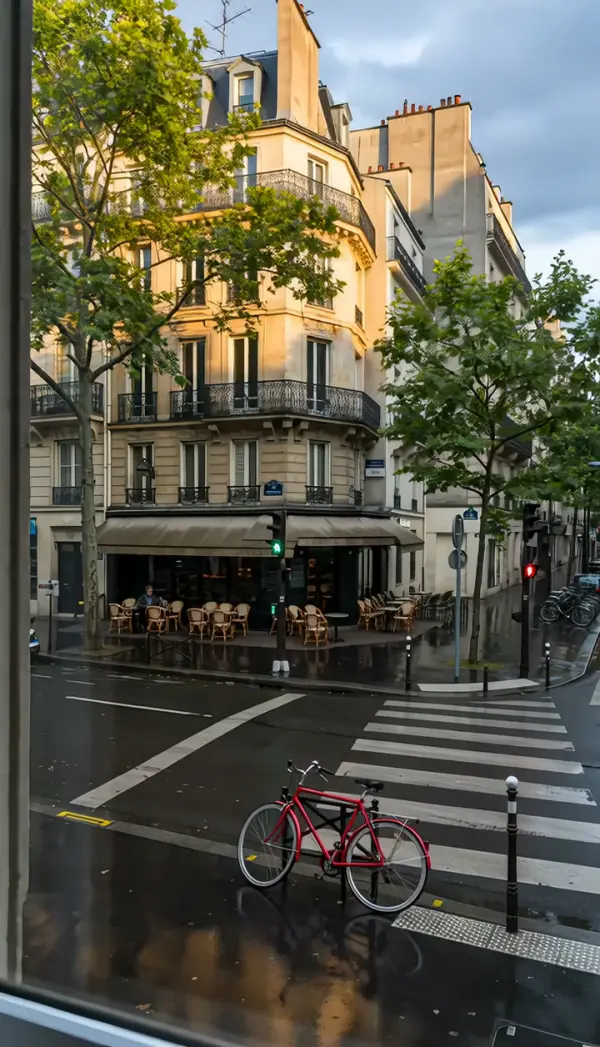
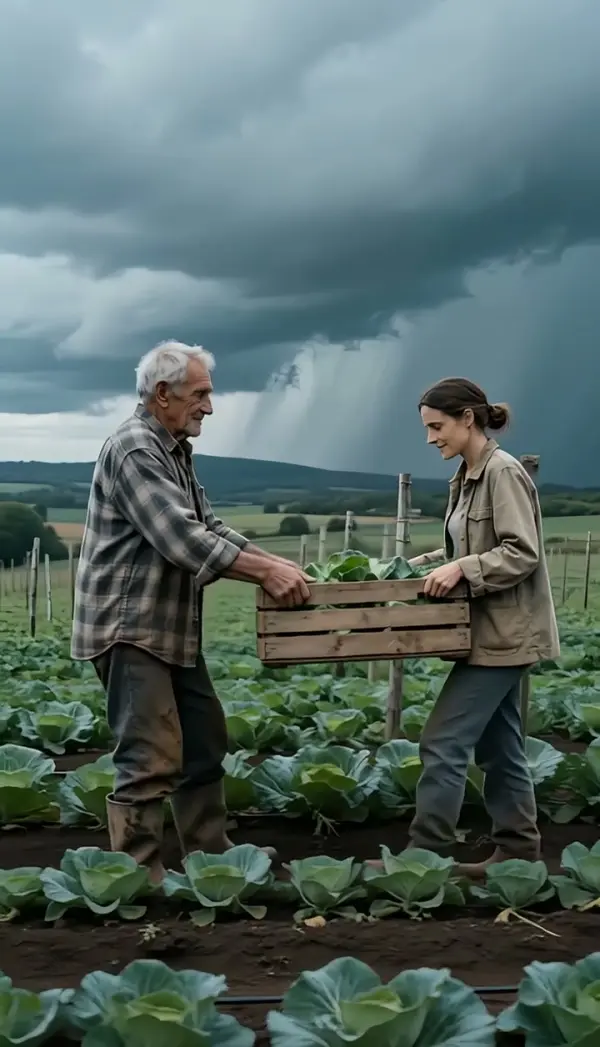
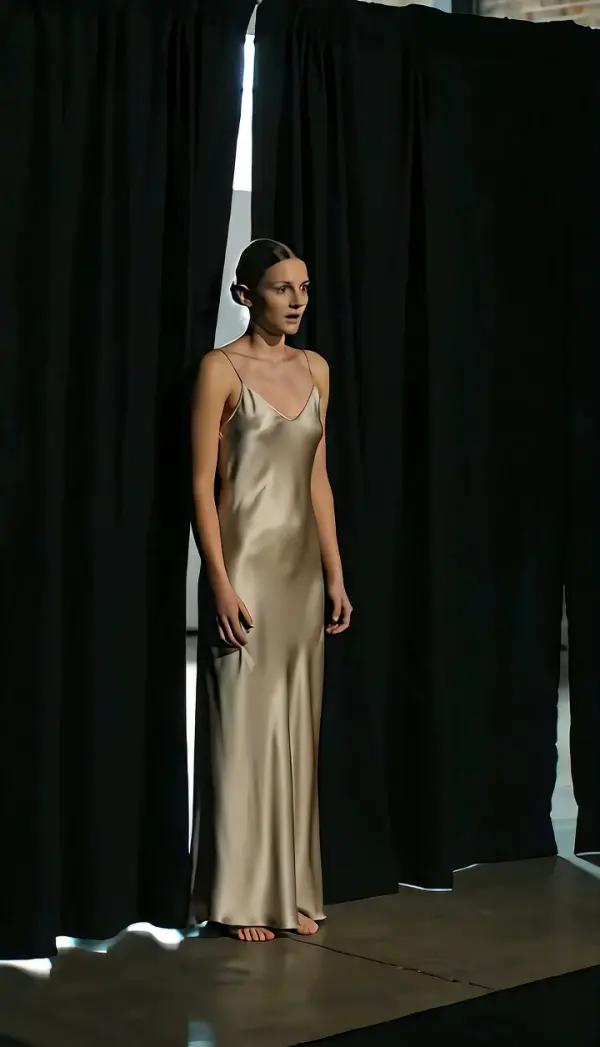
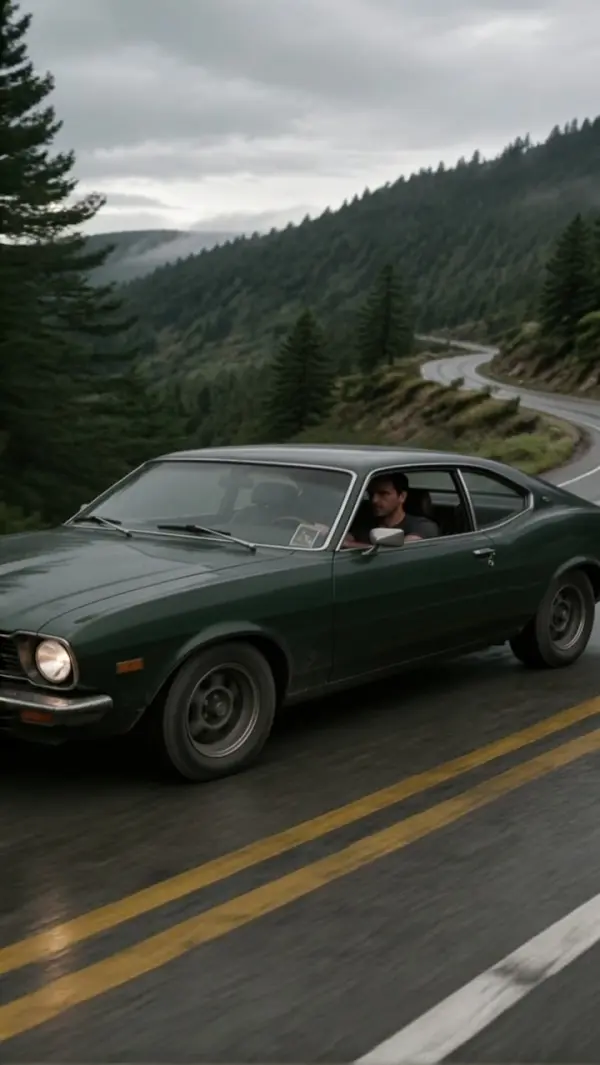
Tilt Up
Tilt Up generates an upward tilt shot from a single photo: the camera stays in one spot and rotates upward, climbing a person, building or tree while keeping the subject centered, then stops on the top. Upload one still and get a short clip, vertical or landscape, with no tripod head or crane.
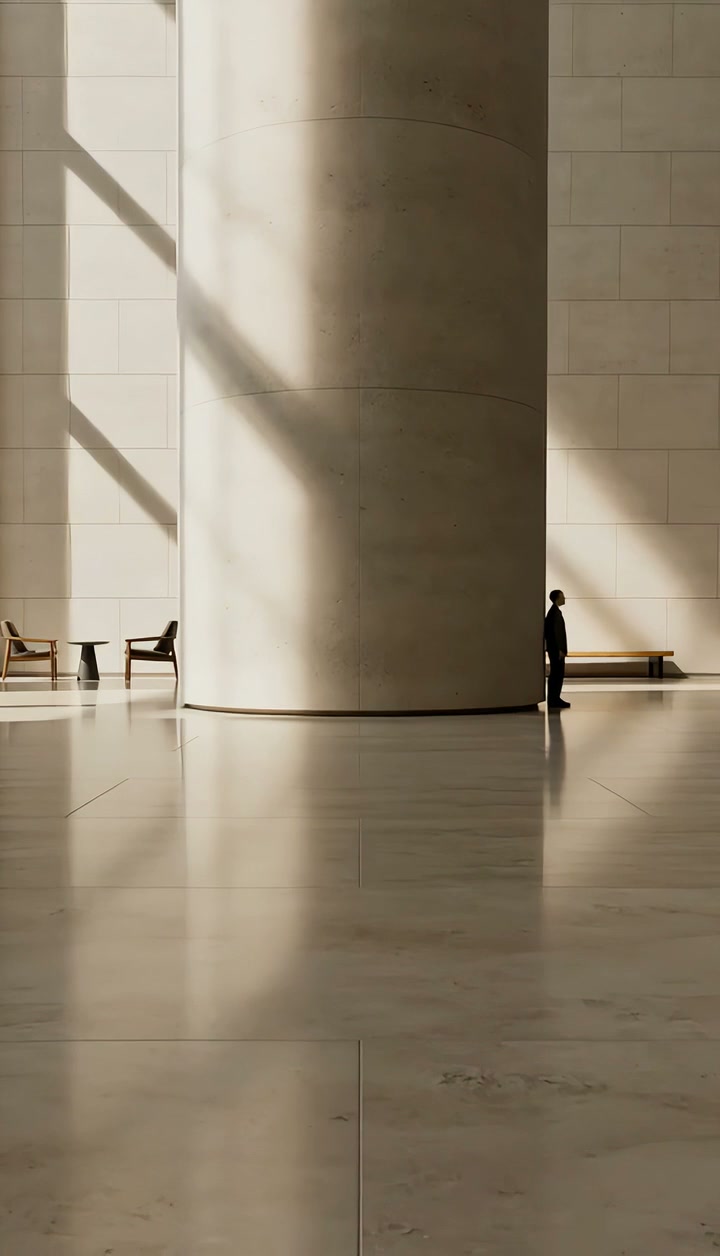
Tilt Up Template
Upload one photo with a tall subject and something worth reaching at the top; a full-body or full-height shot works best.
WHAT IT IS
What an upward tilt shot is and what the template builds from a still
A tilt up shot is a camera tilt in which the camera pivots vertically upward from a fixed position, the way you raise your chin to look at a tall building, without the camera itself rising. The template generates that move from one uploaded photo. The engine takes your still as the first frame, holds the camera in place, and rotates the view upward along a person, a structure or any vertical object, keeping the subject centered as it climbs. The clip finishes on the top target: a face, a rooftop, a treetop, a sign. Because only the angle changes and the focal length stays fixed, scale does not shift; the frame simply travels up the subject. Output is a short vertical 9:16 or landscape 16:9 clip, with no rig or footage needed.
- Vertical rotation only
- The camera stays put and pitches upward. It does not rise like a pedestal or crane, so parallax between foreground and background remains small and the geometry stays honest.
- Follows the vertical line
- The view climbs the subject: shoes to face, doorway to roofline, trunk to canopy. The engine keeps the subject centered so the eye has a rail to ride up.
- Stops at the top
- The move ends on the highest point of interest rather than drifting past it. That top frame is stable and sharp, which is where you place a title or make the cut.
- Height reads as scale
- Tilting up exaggerates how tall something feels, because the viewer experiences the climb. A single full-body portrait photo becomes a low-angle hero introduction with no crane.
USE CASES
Reveals that climb
Boots-to-face introductions, towers that grow, and water that rises to its source, all from one still each.
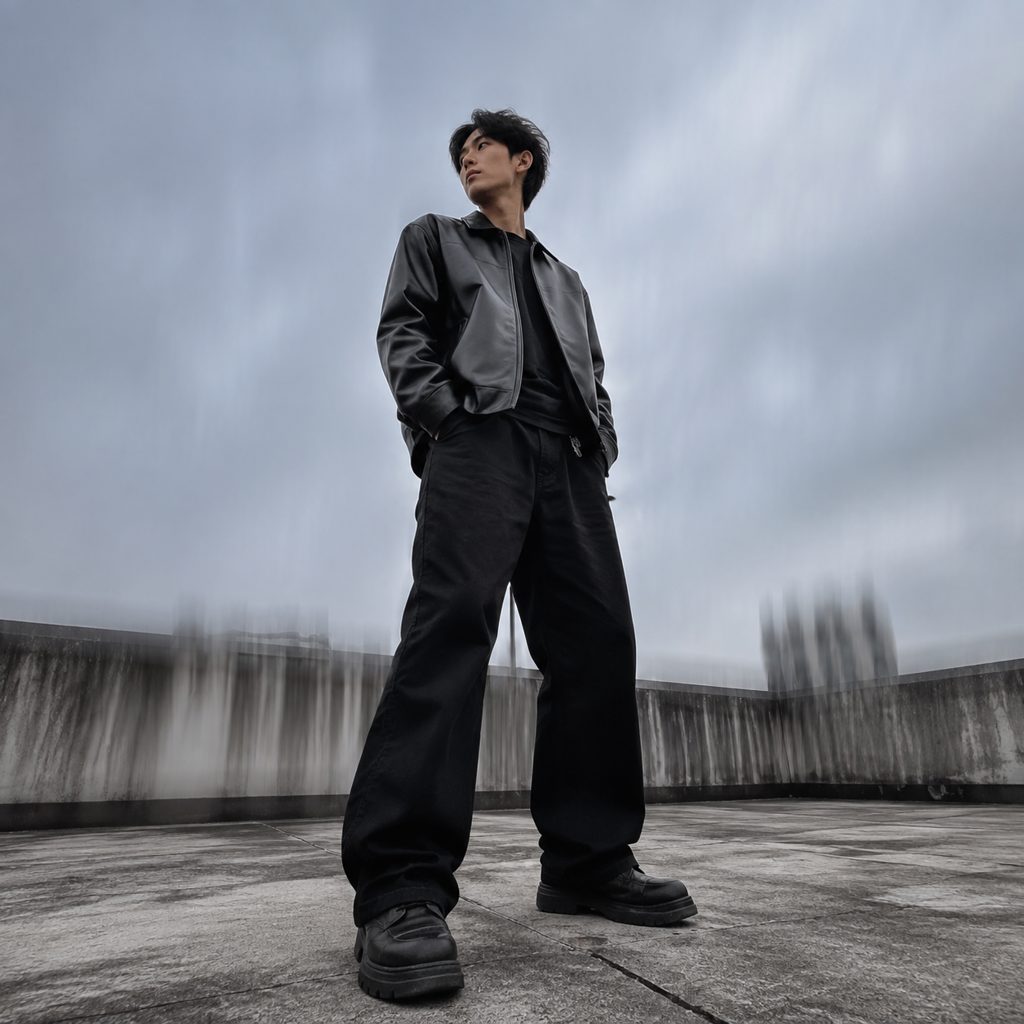
Hero reveal from boots to face
A full-body outfit photo shot from slightly below. The upward tilt starts on the boots, climbs the trousers and jacket, and lands on the face. Fashion and fitness creators use the move for 9:16 fit checks, where the vertical frame and the vertical move line up.
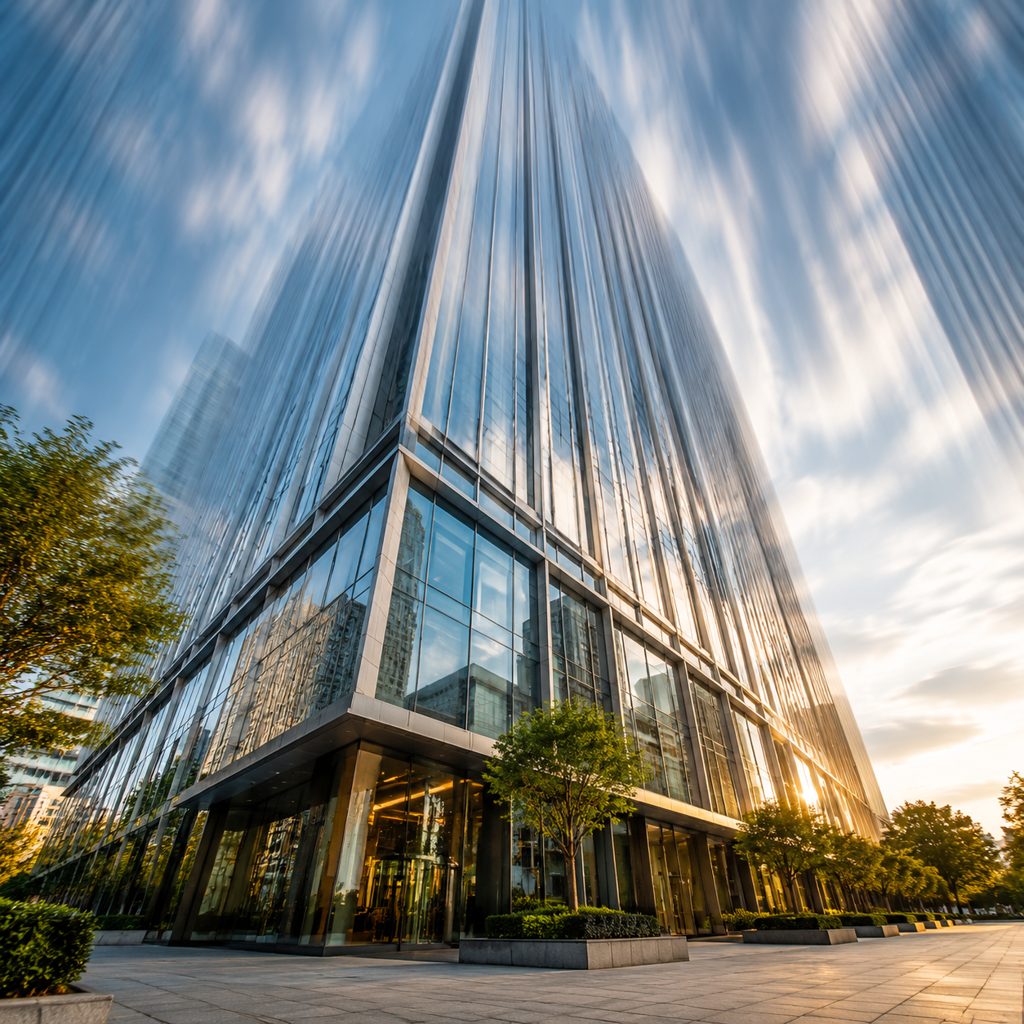
Skyscraper scale for a city edit
A street-level photo of a glass tower. The camera tilts up from the lobby doors to the spire, and the building seems to grow as the clip climbs. Architecture and travel accounts use this camera tilt in 16:9 to open a city sequence.
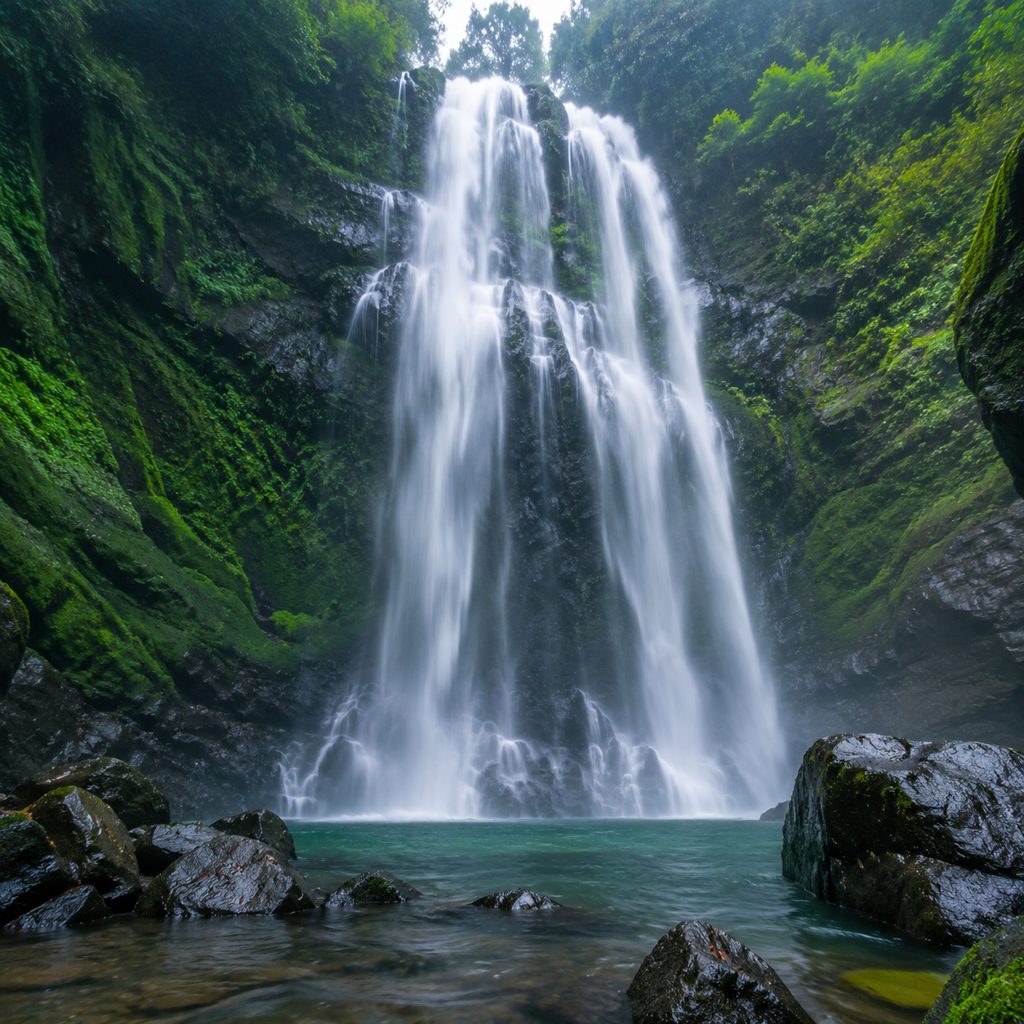
Waterfall from pool to crest
A photo taken at the base of a waterfall. The upward tilt begins on the churning pool and rises along the falling water to the lip of the cliff. Nature documentaries and drone-free travel films use the move to give height without flying anything.
FAQ
Common questions
What is a tilt up shot?+
It is a camera movement in which the camera rotates upward on its horizontal axis from a fixed position, so the frame travels from a lower point to a higher one. Directors use the upward tilt to reveal a character from feet to face, to show the height of a building or landscape, or to move from ground detail to sky.
How does LazyKiwi create an upward tilt from one photo?+
LazyKiwi generates the move as image-to-video from a single uploaded still. The engine locks the camera position, uses your photo as the first frame, and rotates the view upward along the tall subject while keeping it centered, then stops on the top target. No tripod head, crane or existing footage is needed.
Upward tilt vs pedestal up: what is the difference?+
A tilt rotates the camera upward while the camera body stays at one height, so the angle changes and the subject appears from a rising viewpoint. A pedestal up lifts the entire camera vertically without changing its angle, which keeps the perspective flat. This template performs the rotation, not the lift.
What photo works best for a tilt shot going upward?+
A photo with a strong vertical subject, taken from slightly below and showing both a base and a top, gives the clearest result. Full-body portraits, buildings photographed from the sidewalk, trees and waterfalls all work. Avoid tight headshots, because there is nothing below the face to climb from.
How long is the output and where does a camera tilt look best?+
The output is a short clip, vertical or landscape. A vertical 9:16 frame suits an upward tilt well, since the move and the format share the same axis: outfit reveals, building shots and hero intros on Reels and TikTok. Landscape 16:9 works for YouTube travel openers and architecture edits.
Can I use this shot as an intro or title card?+
Yes. Because the clip stops on a stable top frame, that frame is a natural place for a name, a logo card or a location title in CapCut or Premiere Pro. Start the video on the climb, drop the title on the final frame, then cut to the first talking shot.
Other names for Tilt Up
Shot lists write tilt up or upward tilt shot; textbooks say camera tilt, tilt shot or upward camera tilt; social searches add phrases like upward tilt reveal, low angle tilt and tilt reveal transition. Software-specific queries such as a tilt effect in CapCut or tilt keyframes in Premiere Pro describe manual versions of the rotation this template produces from a single uploaded photo.
Reveal height with an upward tilt from one photo
Upload a still, pick the template, generate. New accounts start with free credits.