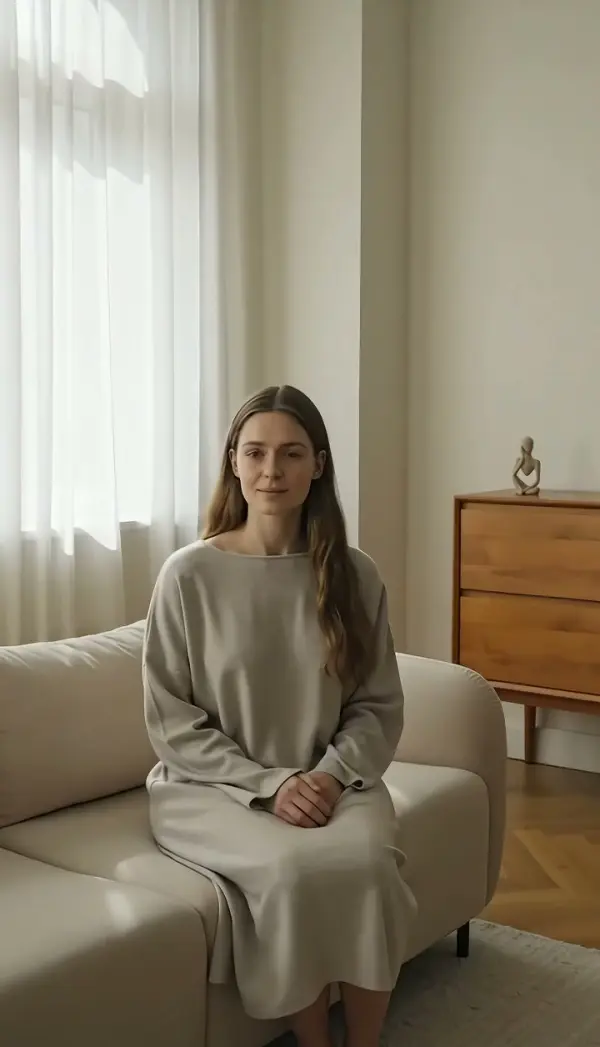
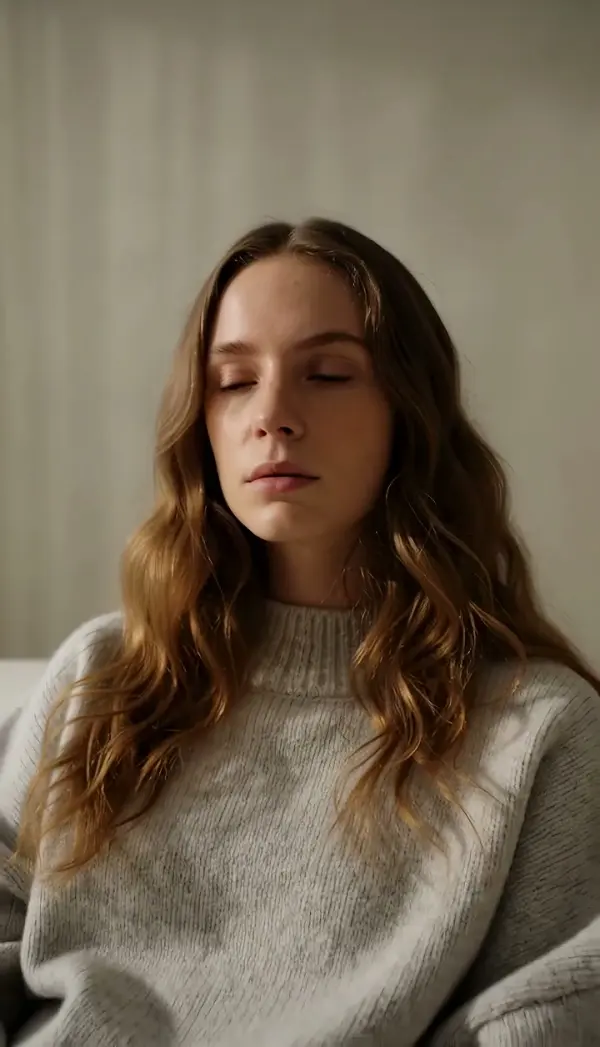
Slider Left
Slider Left creeps the camera a short distance toward screen left at a slow, even pace while the lens keeps pointing forward, using foreground, midground and background layers for natural parallax. Upload one photo and LazyKiwi produces a short clip that comes to rest on a new left-side angle.
Slider Left Template
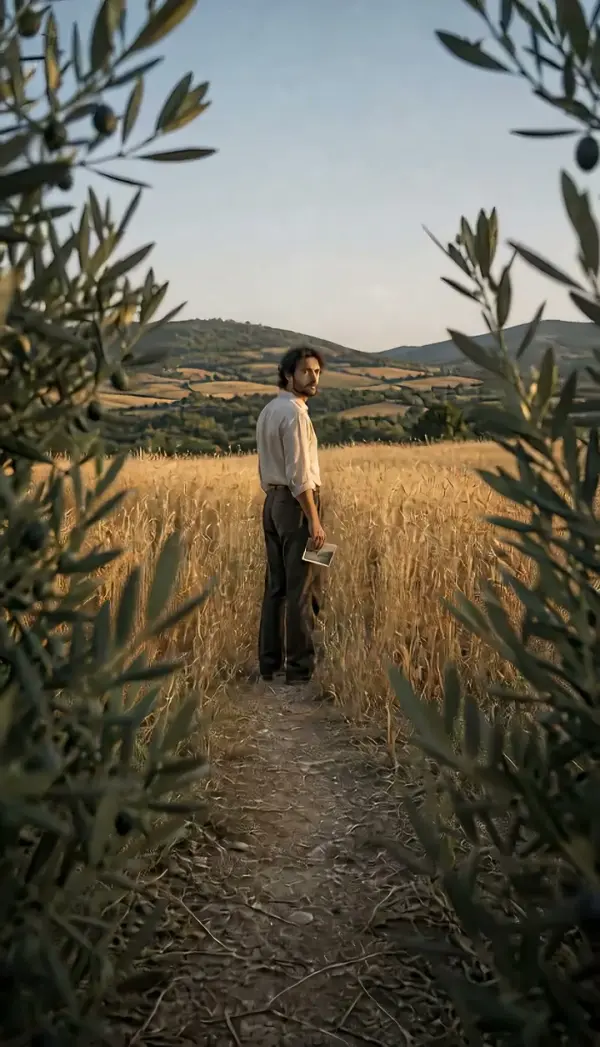
Upload a single sharp photo with a near object on the right or center of the frame and the subject a step behind it; the slow drift reads best with three visible depth layers.
WHAT IT IS
A slow camera slide shot toward screen left
Slider Left is a camera slide shot in which the camera travels a short distance toward screen left at a slow, controlled speed while the lens keeps its original heading. The move mimics a rail slider set for a few seconds of creep. Because the camera relocates rather than rotating, an object near the lens crosses the frame faster than the subject, and the subject moves faster than the far background. That layered speed difference is the parallax that makes a photo feel like a set. LazyKiwi generates this slider shot video from one uploaded still. The Seedance video model treats your photo as the first frame, is instructed to keep the subject from deforming or drifting, and moves the camera position left until the clip settles on a new left-side angle. The result is a short vertical 9:16 or landscape 16:9 clip, produced with no rail, motor or crew.
- Creeping pace, small distance
- The travel is measured in centimeters, not meters. A slow slide to the left keeps attention on the subject while the frame quietly gains depth, which is why interview editors lean on the move.
- Three layers of parallax
- Foreground, midground and background move at three different speeds. The engine uses that layering to sell the move, so photos with a near object, a subject and a distant wall look most convincing.
- No deformation, no drift
- The generation instruction forbids the subject from warping or sliding. The face, product edges and clothing keep their shape while the camera alone changes position by a small amount.
- Settles on a left angle
- The glide eases out on a composition slightly to the left of your original photo. That end frame gives a clean hold for a caption or a soft cut into the next clip.
USE CASES
Quiet drifts to the left
Reach for this direction when the scene should ease back, open space on the left, or let a foreground object exit to the right.
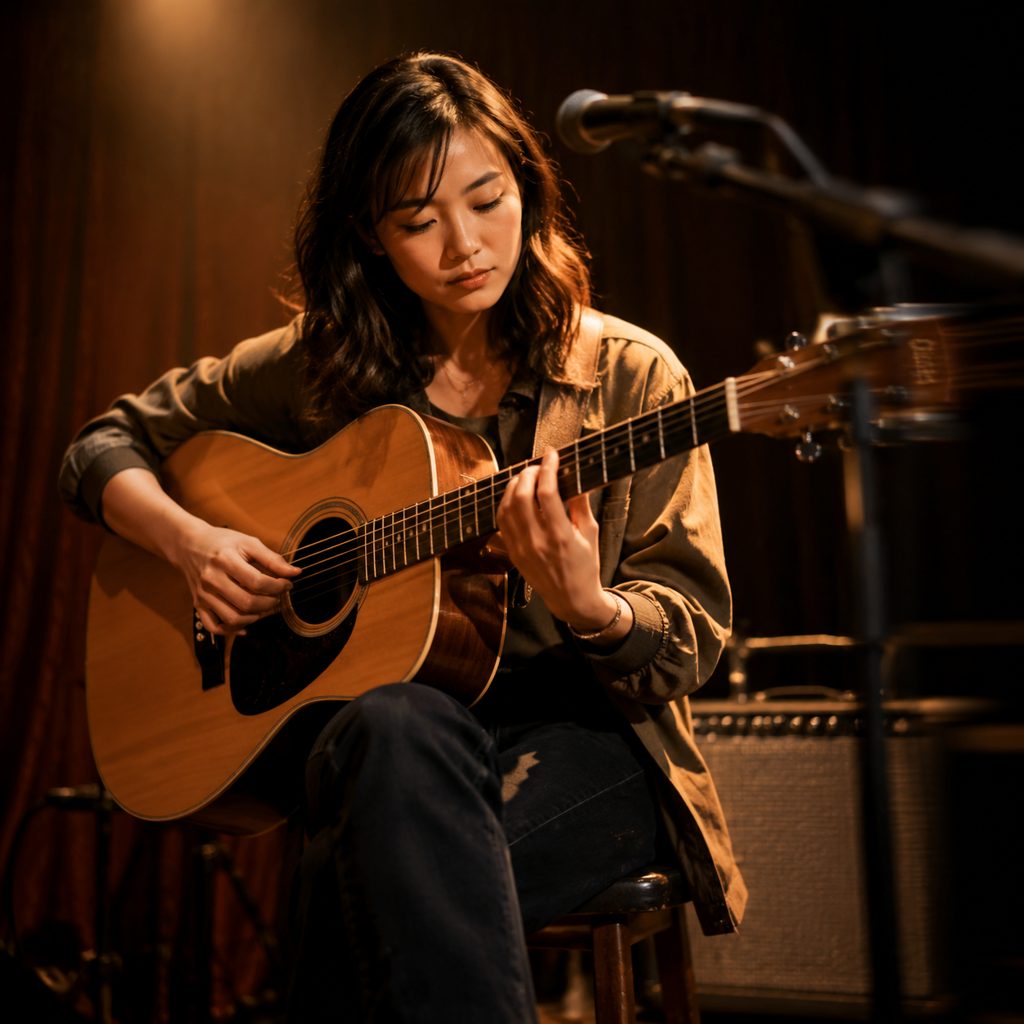
Back away from the guitarist
Upload a photo of a musician seated with a mic stand near the lens on the right. The camera creeps toward the left, the stand drifts out of frame, and the 9:16 clip settles on the player with a little more room, a quiet intro for a performance post.

Return to the empty side of the desk
Photograph a designer at a desk with a monitor edge close to the lens on the right. The camera glides across, the monitor edge exits, and the desk lamp and pinned notes on the left come into view for a 16:9 workspace b-roll.

Slow drift across a wedding table
Take one photo along a decorated table with a candle in the foreground. The move drifts toward the head of the table, the candle slips past the lens, and the place settings on the left gain a soft new angle for a highlight reel.
FAQ
Common questions
What is a slider left camera move?+
This is a short, slow lateral camera travel toward screen left, performed on a rail slider in traditional shoots. The lens keeps its heading, the distance is small, and the goal is subtle depth: a foreground object drifts across while the subject stays steady and the background hardly changes.
How is this move different from truck left?+
This move and truck left both carry the camera sideways with the lens facing forward. The difference is scale and pace. Truck left covers real distance and often follows action; the slider covers a short stretch at creeping speed to add dimension to a mostly static subject. LazyKiwi has a separate Truck Left template.
Can the template make a camera slide shot from a single photo?+
Yes. The template generates the camera slide shot as image-to-video. The Seedance video model reads your uploaded still as the first frame, keeps the subject from deforming or drifting, moves the camera position a short distance left at a slow speed, and stops on a new left-side angle. No slider rail or operator is involved.
What photo works best for this move?+
Use a sharp, well-exposed photo with a near object at the right or center of frame, a subject a step behind, and a background further back. Mic stands, monitor edges, candles and railings all give the parallax something to work with.
What format and length is the slider shot video?+
The template produces a short slider shot video from one still, available in vertical 9:16 for Reels, TikTok and Shorts or landscape 16:9 for YouTube and websites. The slow pace and stable ending frame make the clip usable as b-roll under narration or as a looping hero background.
When should I pick this move over slider right?+
Pick it when you want the foreground element to exit on the right and new space to appear on the left, which reads as a small step back or a return in a left-to-right edit. Slider right is the forward-leaning mirror. Match the direction to the cuts on either side so the sequence flows.
Other names for Slider Left
Names for this creep vary by crew. Slide left, short dolly left and lateral creep are the common call-outs among shooters. General terms like camera slide shot and slider shot video cover the whole family of rail moves. People trying to recreate the move in software search for a slider effect in CapCut. Whatever the label, this template builds the short lateral glide from one uploaded photo.
Creep the camera left across any photo
Free credits at signup cover a first test on your own image.