Lyric Video Maker
A lyric video maker has two halves: something behind the words and the words themselves. This template generates the backdrop half, a looping scene that suits the track, while the animated text tool sets each line in real type. You place the lines against your own audio and cut them on the beat.

Lyric Video Maker Template
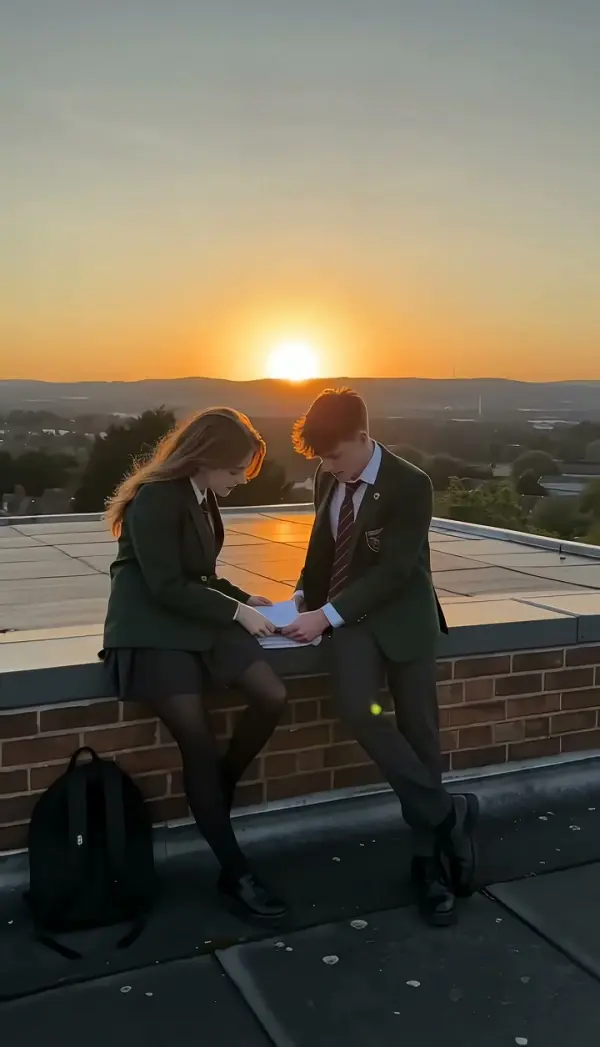
Upload a cover image, a band photo or a still that matches the mood of the track. A single frame is enough; the backdrop is generated to loop, not to tell a story.
WHAT IT IS
The backdrop is generated, the timing is yours
Be clear about the division of labour before you start, because it decides whether this saves you time. LazyKiwi generates the picture: a looping backdrop that matches the mood of the track, and animated type through Animated Text Generator, which sets each line in a real licensed typeface across eleven presets and exports MP4 at 9:16, 16:9, 1:1 or 4:5. What it does not do is read your audio file. There is no beat detection, no automatic lyric timing and no karaoke-style word highlighting driven by a waveform, so you place the lines against the track yourself in whatever editor you already use. That sounds like a limitation and mostly it is, but it is also where lyric videos are won or lost: an automatic timer puts the line change on the syllable, and every good lyric video changes on the downbeat instead, a fraction before the vocal arrives. The second thing worth knowing is cost control. A three-minute song at five seconds a clip would be thirty-six generations. Nobody does that. Build four to six backdrops that loop, hold each through a section, and change on the structure of the song rather than on every line. Keep type out of the bottom tenth of the frame, where the player bar and title overlay sit, and keep contrast high because the words are sitting over moving footage. To burn the lines directly onto a clip rather than exporting them separately, use Add Text to Video; to layer type, backdrop and timing in one place, Motion Studio is the workspace for it. We do not host or license music, so the track has to be yours or cleared.
- Loops, not a three-minute render
- Generate four to six backdrops that loop cleanly and hold each through a verse or chorus. Changing picture on song structure rather than on every line is both cheaper and closer to how lyric videos are actually cut.
- Real type, exported separately
- Lines are set in licensed typefaces and exported as MP4, so the letterforms stay sharp full screen. Eleven presets cover neon, typewriter, kinetic stomp, highlighter and glitch, each recolorable to the release artwork.
- You time it to the track
- There is no waveform analysis and no automatic lyric sync here. You drop the lines onto your timeline against the audio, which is the only way to land a change on the downbeat rather than on the syllable.
- Safe area matters
- The bottom tenth of a video frame is covered by the player bar on most platforms, and the top corners by channel overlays. Keeping lyrics inside the middle band is the difference between legible and half-hidden.
USE CASES
Who needs a lyric video and why
Three release situations where a lyric video is the deliverable, and a music video is not.
Single release with no video budget
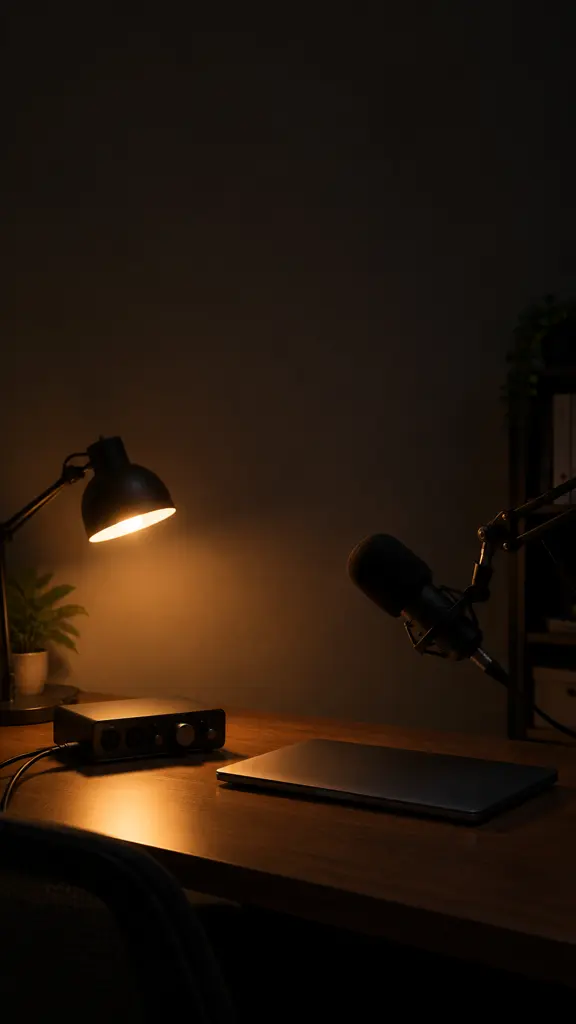
An independent artist needs something to upload on release day because streaming platforms and social feeds both want a video asset. Backdrops plus animated lines produce one in an afternoon rather than a shoot.
Vertical lyric clips for short form
The chorus becomes a fifteen-second 9:16 cut with two lines on screen at a time. This is the format that actually moves streams, and it needs a different crop and larger type than the full-length version.

Catalog and back-release refresh
A label has fifty older tracks with a static cover image on the channel. Generated backdrops give each one a moving version, and reusing the same four loops across an EP keeps the visual identity consistent.
FAQ
Common questions
How do I make a lyric video?+
Generate a few looping backdrops that match the track, set each lyric line as animated type and export it as an MP4, then place the lines against your audio in an editor and cut them on the downbeat. Four to six backdrops held through sections is the normal structure for a three-minute song.
Does it sync the lyrics to my song automatically?+
No. There is no beat detection, no waveform analysis and no automatic lyric timing in LazyKiwi today, so you position the lines yourself against the audio. Manual timing is also what lets you change a line just before the vocal lands, which automatic syncing tends to get wrong.
What do I actually get from this template?+
You get the picture behind the words: a looping backdrop generated from your uploaded still or from a description, usually 5 or 10 seconds at 720p or 1080p in 16:9, 9:16 or 1:1. The lyrics themselves come from the animated text tool and are exported as separate clips.
Is the lyric video maker free?+
Backdrop generation runs on your monthly credits, and animated text exports 720p free with no watermark. The practical cost of a full song is decided by how many backdrops you generate, which is why looping four to six of them is the approach we recommend rather than rendering every section separately.
Can I use any song?+
Only music you own or have cleared. LazyKiwi does not host, license or supply music, so the audio comes from you and any rights question stays with the track. Uploading a commercial release you do not control will usually be caught by the platform rather than by us.
What resolution and aspect ratio should a lyric video be?+
16:9 at 1080p for the main channel upload, and a separate 9:16 cut for short form with fewer words on screen and larger type. Do not crop the wide version down; the line breaks that work across a landscape frame become unreadable when squeezed into a vertical one.
Other names for a lyric video maker
Musicians search for a lyric video maker, a lyric video generator or an AI lyric video, and sometimes for a song lyrics video maker when they are describing the file rather than the tool. A related group looks for a music video generator or music visualiser, which is a wider job: those cover visuals with no words on screen, while a lyric video is defined by the words.
Give the track something to look at
Generate the backdrops, set the lines in real type, cut them to your own audio.