AI Clone Video
An AI clone video puts the same person on screen more than once inside a single shot: two of you on a sofa, three of you passing a cup along a table, a row of identical figures walking in step. The camera stays locked, so every copy shares one light source, one floor and one set of shadows.
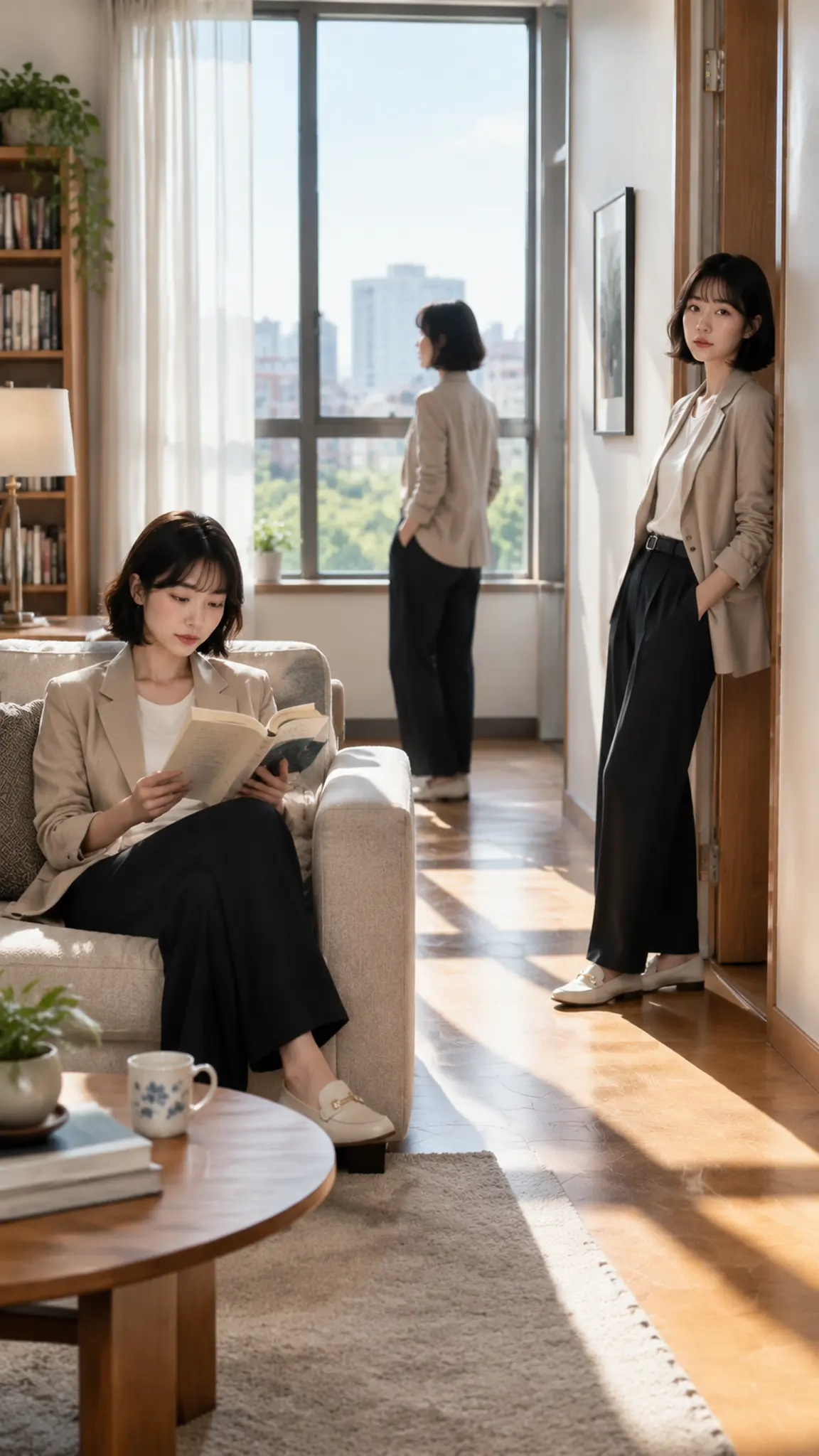
AI Clone Video Template
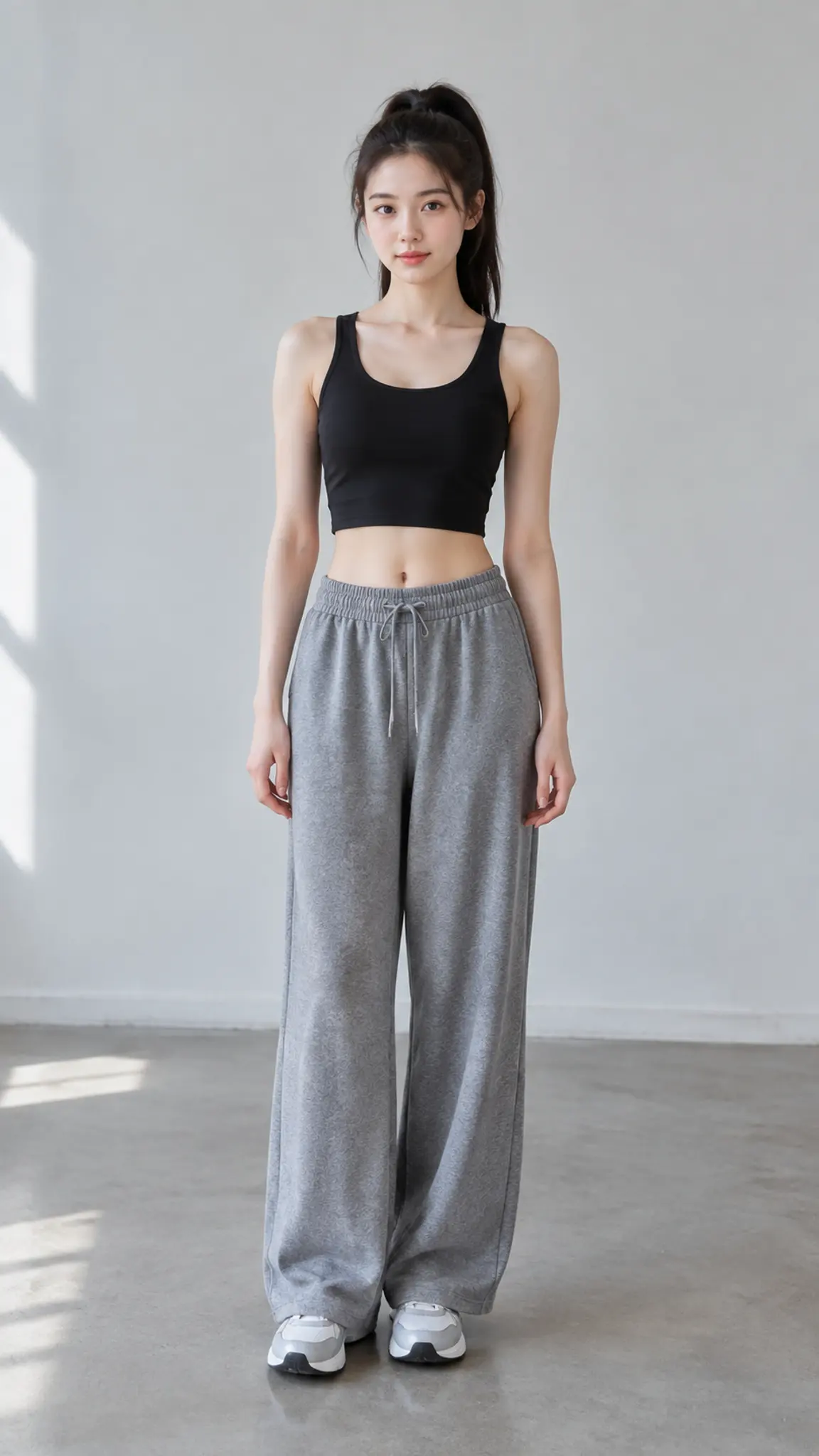
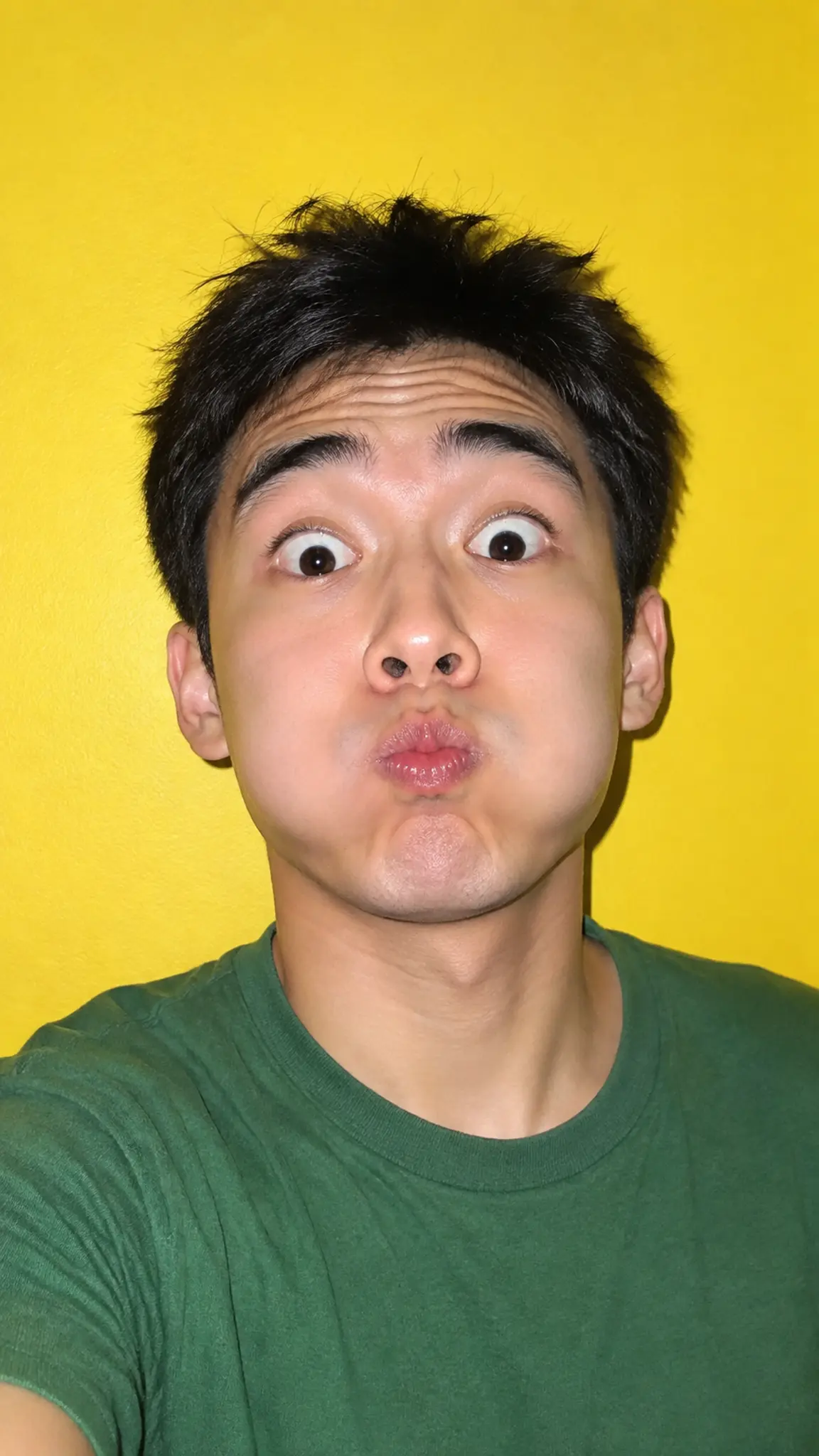
Upload one clear photo of the person, framed from the waist up or full body, in even light. A background with a visible floor and wall line helps the copies sit in the same space.
WHAT IT IS
One person, several places in the same frame
The traditional way to shoot this is a locked-off tripod plate: you film the room empty, film yourself in position A, film yourself in position B without touching the camera or the exposure, then mask the takes together in an editor. It works, and it fails whenever an actor crosses the mask line or a cloud changes the light between takes. Generating the shot instead means the copies are produced together, so the lighting, the grade and the shadow direction match by construction rather than by discipline. What you give up is contact. Two copies passing an object, shaking hands or hugging is the request that breaks most often, because the model has to keep two instances of the same body physically consistent at the point where they meet. Keep copies in separate parts of the frame, give each one a distinct action, and stay at two or three: likeness degrades with every extra instance, and by five the faces are relatives rather than the same person. For the main entry point into this family of effects, see AI twin. For the version where one figure splits into many, cell division clone effect handles the split itself, and 3D split screen collage is the panelled alternative when the copies do not need to share one room.
- One camera, one light
- The shot is generated as a single locked frame, so all copies share a light source, a shadow direction and a grade. That match is what sells the illusion, and it is the part a two-take composite usually gets wrong.
- Two or three copies, not ten
- Likeness costs something with each added instance. At two or three the faces hold; past four they start drifting into people who merely resemble you, which defeats the point of a clone shot.
- Separate actions, separate zones
- Each copy gets its own task in its own part of the frame: one seated, one standing, one walking through. Overlapping bodies and physical contact between copies are the least reliable requests.
- No masking, no second take
- There is no plate to film, no tripod to protect and no rotoscoping afterwards. One photo produces the finished shot, which is the practical reason to use this route rather than the editor route.
USE CASES
What a clone shot is actually for
Three formats where the same person needs to be in frame more than once.
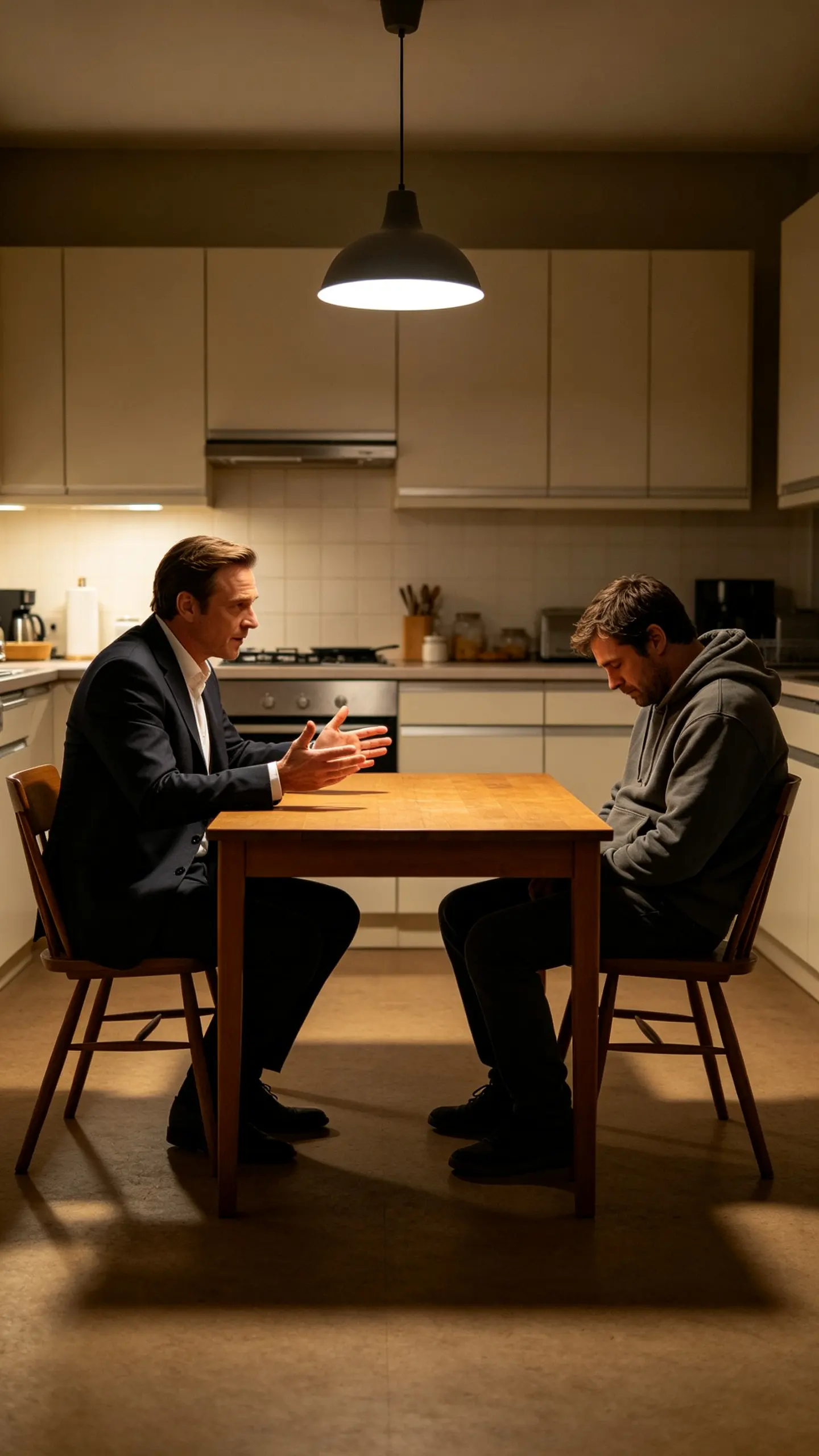
Playing both sides of a conversation
Sketch creators run one character against another, both played by them. Generating the shot removes the usual constraint that the two versions can never occupy the same half of the frame, which is what makes editor-composited skits look staged.
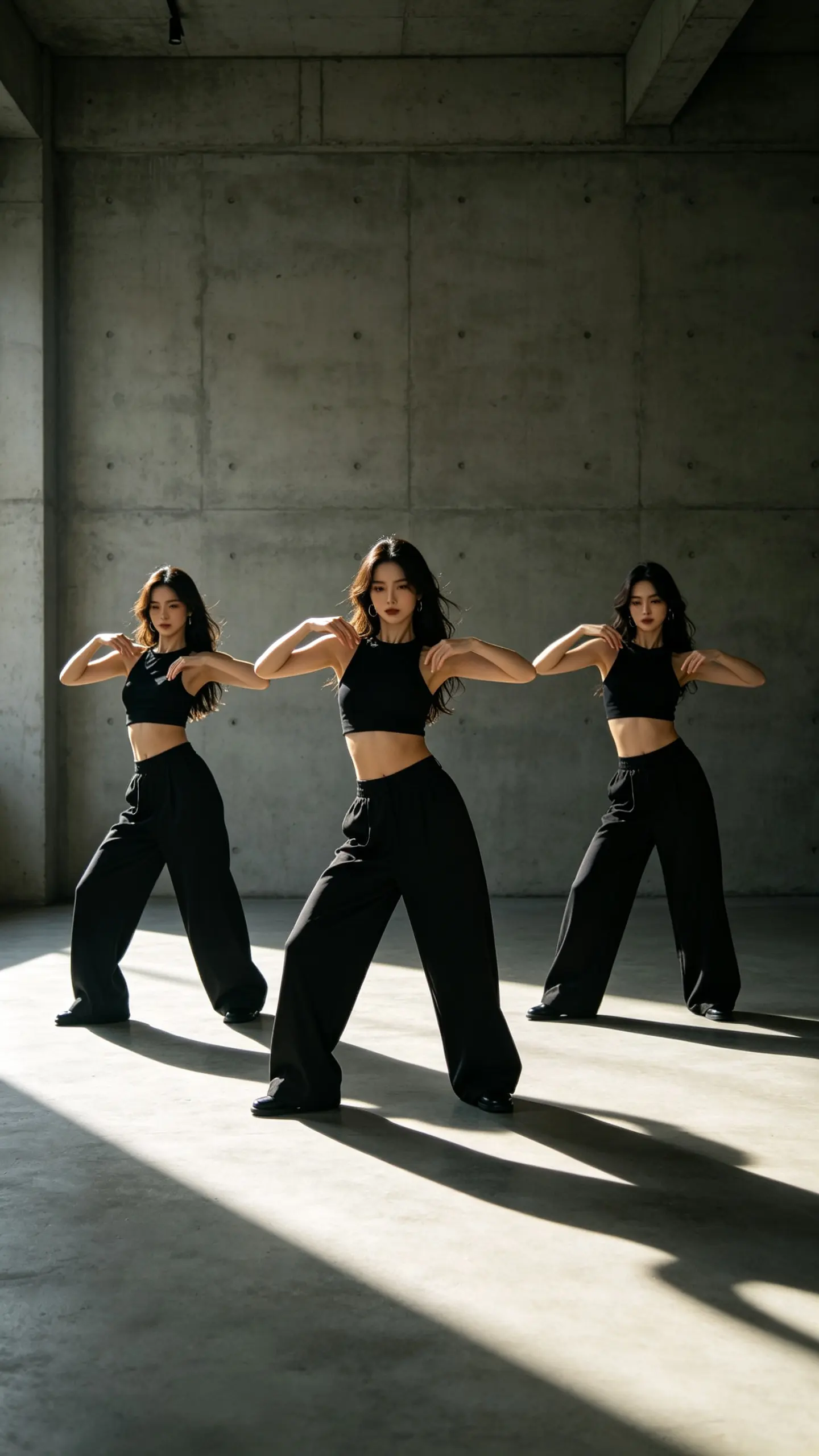
A dance line of one person
A choreography clip where three identical dancers hit the same count reads as a production with a crew. It comes from one photo and one prompt here, and the copies stay in their own lanes so nobody has to cross anyone else.
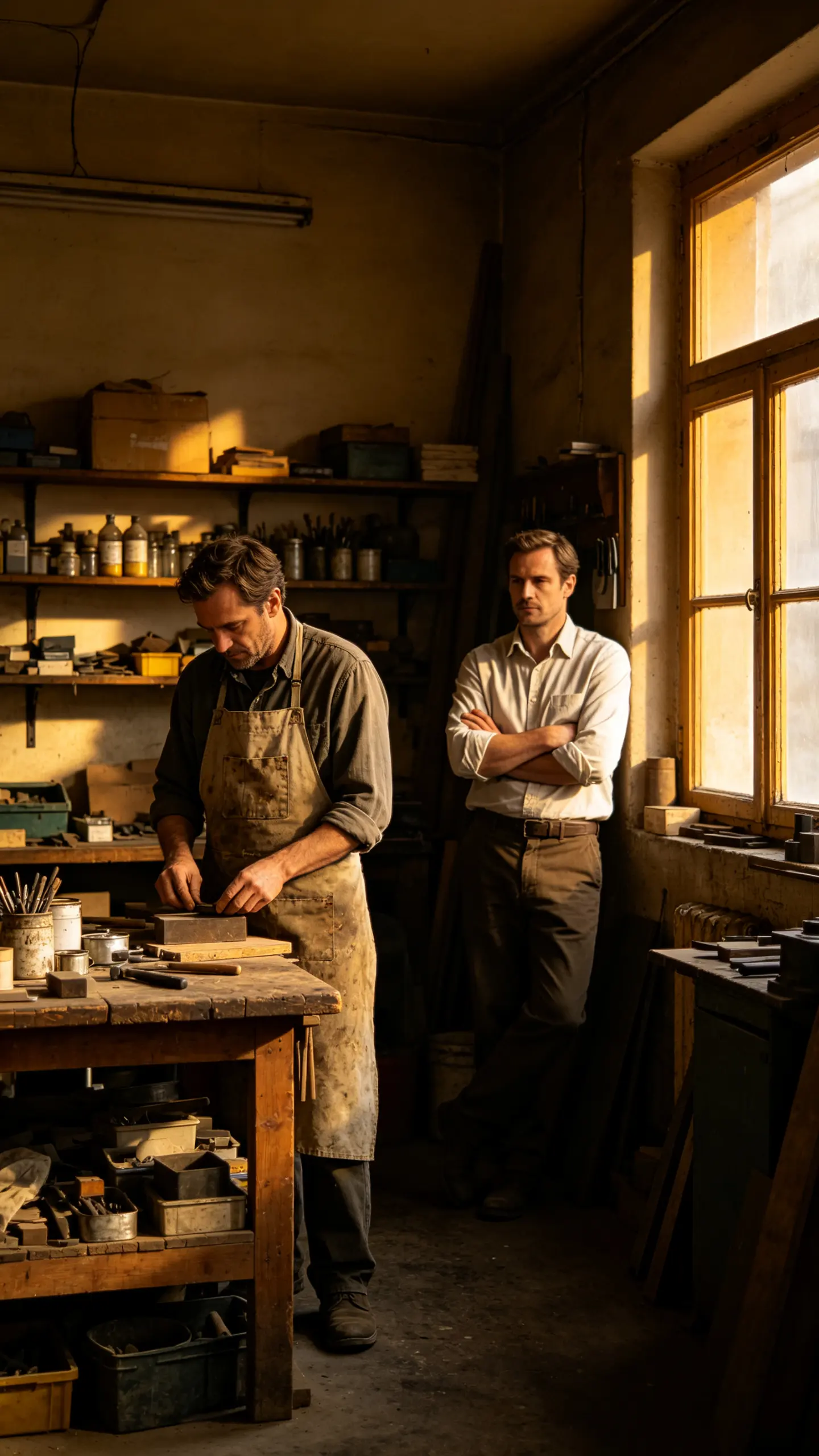
Then and now in one frame
Explainers and personal-brand videos often want past and present in shot together: the version who started the business and the one running it. Two copies with different wardrobe and posture carry that without a cut or a caption.
FAQ
Common questions
What is an AI clone video?+
It is a video in which the same person appears more than once inside a single frame, generated rather than composited. You upload one photo, and the model places two or three instances of that person into one shot with a shared camera position, light source and shadow direction.
How many copies of myself can appear?+
Two or three hold up well; four is a stretch and five or more is not worth generating. Each extra instance costs likeness, so the faces slowly become people who look related to you rather than copies of you. If you need a crowd, generate several two-copy shots and cut them together.
Can the copies touch or hand each other something?+
This is the weakest request in the whole effect. Handshakes, hugs and object passes between copies fail more often than they work, because the model has to keep two versions of the same body consistent at the exact point where they overlap. Keep the copies in separate zones of the frame and let them react to each other instead of touching.
Do I need a tripod, a green screen or a second take?+
No. The traditional method needs a locked-off camera, a clean plate and masked takes in an editor, plus identical lighting between takes. Here it comes from one still image, which is the main reason to use this route: nothing has to be filmed twice and nothing has to be rotoscoped.
How is this different from a split screen?+
A split screen divides the frame into panels and puts a version of you in each, and the viewer can see the seam. A clone shot has one continuous space: one floor, one wall, one light, with the copies standing in it. If a panelled look is what you want, 3D split screen collage does that deliberately.
Can I clone someone else?+
Only with their permission. Use your own photograph or one you have clearance for, and do not upload public figures. A clone shot places a real person somewhere they never were, doing something they never did, which is exactly the case where consent has to be explicit.
Other names for AI clone video
The same effect is searched under several names. Some people describe the action, as in clone yourself, multiple me, or the same person twice in one video. Others use the family word: AI twin, doppelganger video, multiplicity effect. Editors who have done it the manual way call it a locked-off twin shot or a split-screen composite, which describes the technique rather than the result. All of these want one thing, which is one person occupying the same frame more than once.
Put two of yourself in the same shot
One photo, one locked camera, no masking and no second take.