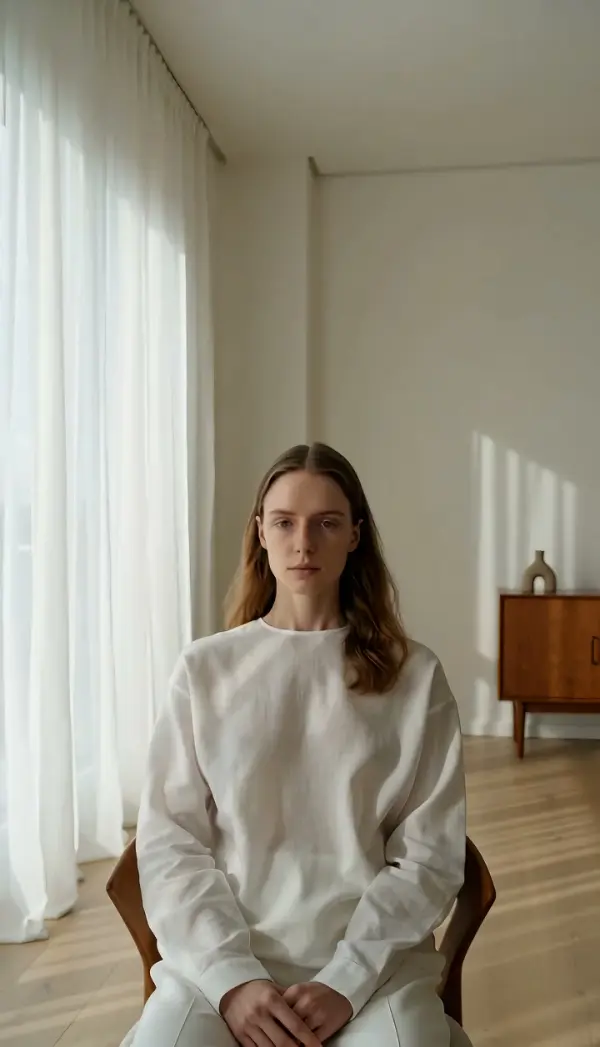
Pedestal Up (pedestal Shot)
Pedestal Up lifts the entire camera straight up on a vertical line while the lens stays level and pointed forward, so the frame climbs to a higher viewpoint without the horizon tipping. Upload one photo and LazyKiwi generates a short clip that ends on the higher position.

Pedestal Up Template
Upload one photo with vertical structure, such as a person in front of shelves, a staircase or a tall window; the rise needs height in the scene.
WHAT IT IS
Pedestal shot: vertical camera travel, not a tilt
Pedestal Up is a pedestal shot in which the entire camera rises straight up on a vertical line while the lens stays level and keeps its original heading. The name comes from the studio-camera column that cranks the head up and down. A tilt would rotate the lens upward and bend the perspective; a pedestal camera movement keeps verticals straight and simply relocates the viewpoint higher. LazyKiwi produces the move from one uploaded still. The Seedance video model reads the photo as the first frame, keeps the subject and the room structure from drifting, and raises the camera until the final frame shows the same scene from a higher position. Objects near the lens travel down the frame faster than the background, so a foreground railing gives the clearest cue. The output is a short vertical 9:16 or landscape 16:9 clip, made with no crane, tripod column or crew.
- Rises, does not tilt
- The lens never angles upward. Walls stay vertical and the horizon stays level while the whole viewpoint lifts, which is the defining trait of a pedestal camera movement.
- Structure held steady
- The engine is instructed to keep the subject and the surrounding architecture from drifting. Shelves, door frames and window bars keep their shape as they slide down the frame, so the rise reads as camera height rather than warping.
- A higher final viewpoint
- The clip finishes on a steady frame from above the starting height. Anything hidden behind a counter or above the original top edge now sits in view, ready for a title card or the next cut.
- Single still, no column
- Studio pedestals and jib arms are heavy and slow to set up. Here the rise is generated as image-to-video from one uploaded photo, so a handheld snapshot gets the rise without any hardware.
USE CASES
Moments that call for a rise
Reach for this move when something above the original frame deserves the reveal, or when the subject is literally standing up.

Rise to reveal the skyline
Upload a photo taken at a rooftop bar with the parapet wall in the foreground. The camera climbs past the wall, the ledge drops out of the bottom of frame, and the city skyline fills the top of the clip as the camera settles at standing height.
Standing up with the athlete
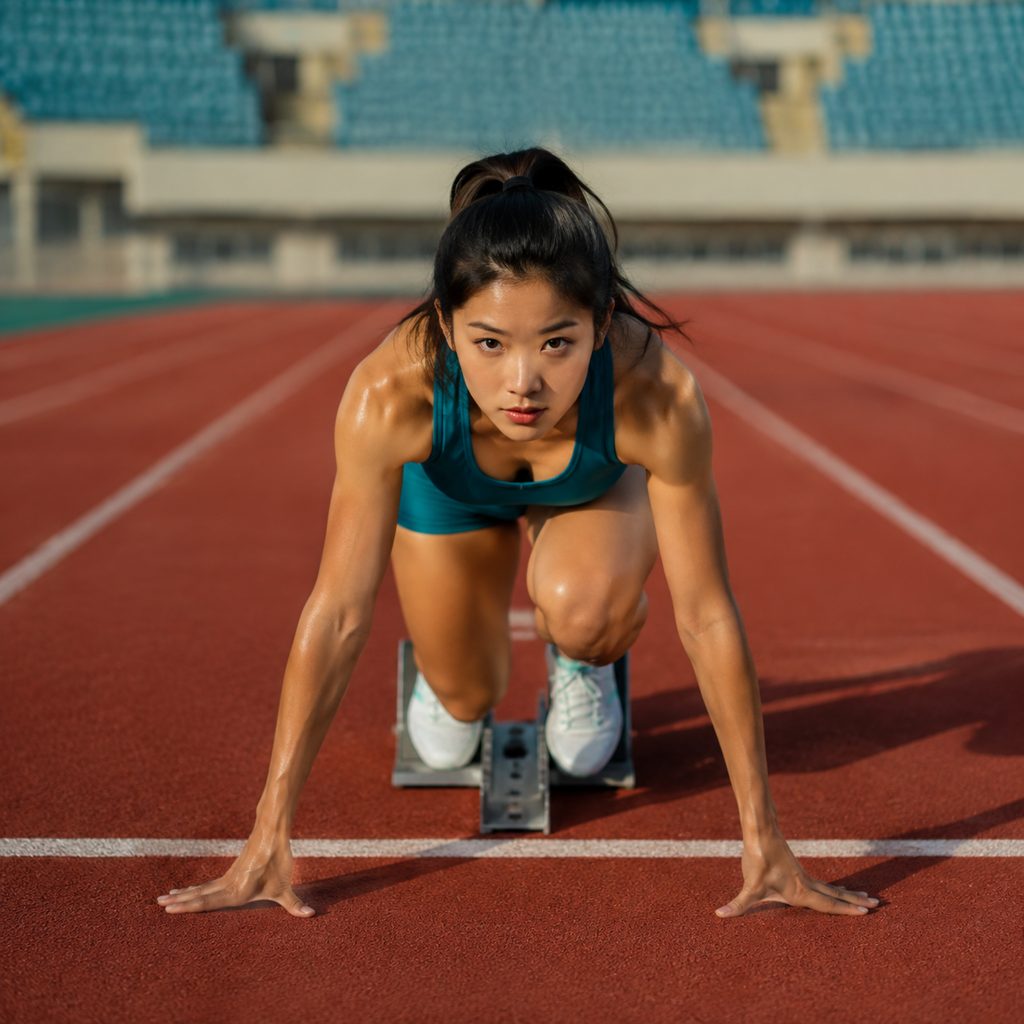
Photograph a runner crouched at the start line from a low camera position. The pedestal camera movement lifts with the athlete's rise, the track lines compress toward the bottom of frame, and the last frame holds a level view of the lane ahead.
Product on the shelf, then the range above
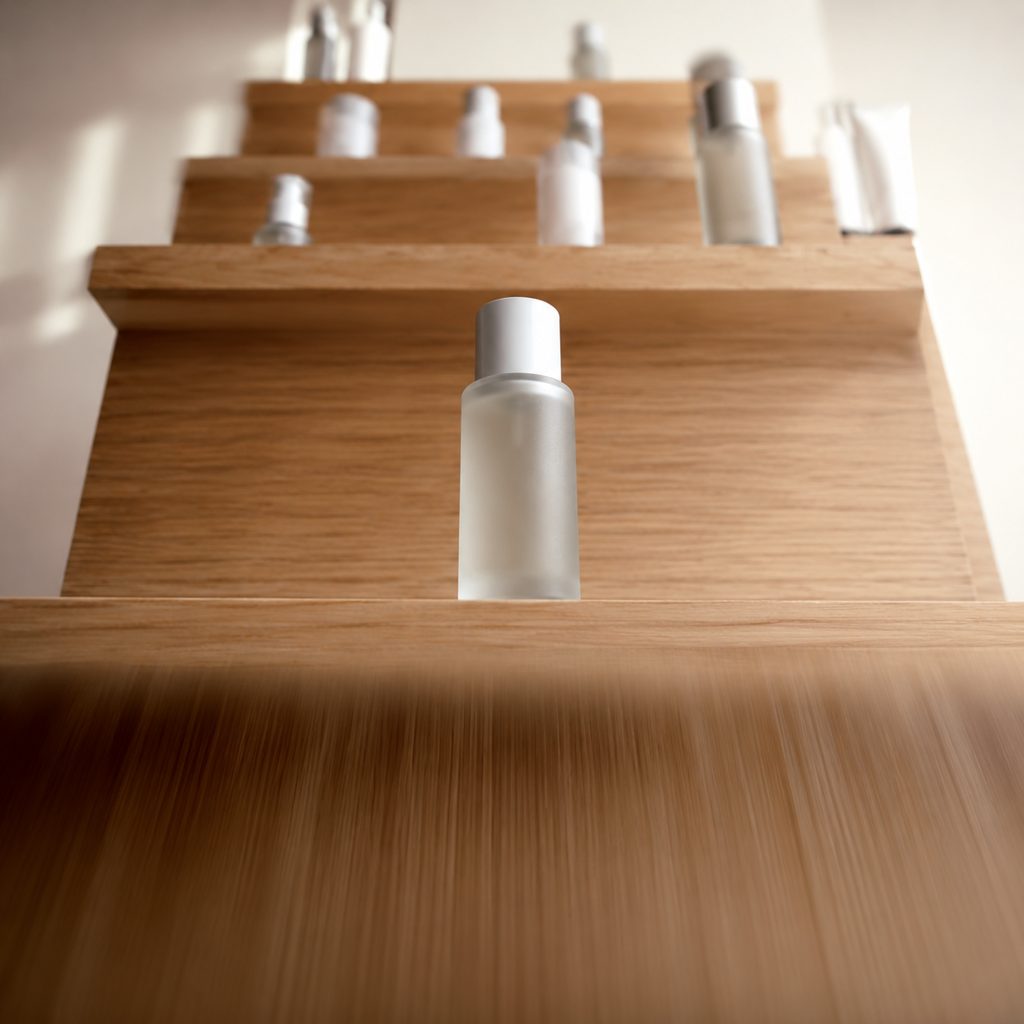
Take one photo of a skincare bottle on the lowest shelf with the shelf edge close to the lens. The camera rises straight up, the edge streaks downward, and the rest of the lineup on the upper shelves appears in a 9:16 clip for a story ad.
FAQ
Common questions
What is a pedestal shot?+
A pedestal shot is a camera move in which the whole camera travels straight up or down on a vertical line while the lens stays level and pointed forward. The name comes from the pedestal column under studio cameras. Unlike a tilt, the move changes camera height rather than angle, so perspective stays natural.
Pedestal up vs tilt up: what is the difference?+
Tilt up rotates the lens upward from a fixed position, so the horizon leaves the bottom of frame and vertical lines start to converge. This move keeps the lens level and physically lifts the camera, so verticals stay parallel and the framing moves to a higher viewpoint. LazyKiwi offers Tilt Up separately.
How does LazyKiwi generate a camera pedestal move from one photo?+
Your uploaded photo becomes the first frame. The Seedance video model keeps the subject and the room structure locked, then raises the camera position on a vertical path with the lens held level, finishing on a clear higher viewpoint. Every part of the camera pedestal move is synthesized, with no column, jib or operator.
What photo works best for this move?+
Use a sharp photo with something tall in it and a foreground element near the bottom edge: a counter, railing, ledge or the top of a chair. Shooting from slightly below eye level leaves room for the rise. Flat walls and open sky give the engine little vertical structure to show.
What length and aspect ratio does the template output?+
The template returns a short clip from your single still, in vertical 9:16 for Reels, TikTok and Shorts or landscape 16:9 for YouTube and real estate walk-throughs. The final frame is stable and shows the higher camera position, so you can hold on it or cut away without motion carrying over.
When should I use this move instead of pedestal down?+
This move suits moments of rising: a subject standing up, a reveal of what sits above the original frame, a skyline or a growth story. The upward travel reads as opening and lifting. Pedestal Down does the opposite, settling the camera, grounding a subject or descending to a detail near the floor.
Other names for Pedestal Up
This vertical move goes by several names. Studio crews call the move a pedestal shot, ped up or camera pedestal; documentary shooters say boom up or column rise, and gimbal users may call the same thing a vertical slide up. Search phrases such as pedestal camera movement, ped up example and pedestal shot vs tilt all point at one idea: the whole camera rises while the lens stays level. This template produces that rise from one uploaded photo.
Raise the camera from one photo with this template
Free credits on signup cover your first render.